Getting Started with FAMI-KAN
No account registration or app install required.
Here is the basic flow for complex group expenses,
from creating an event to sharing the results.
Create an Event
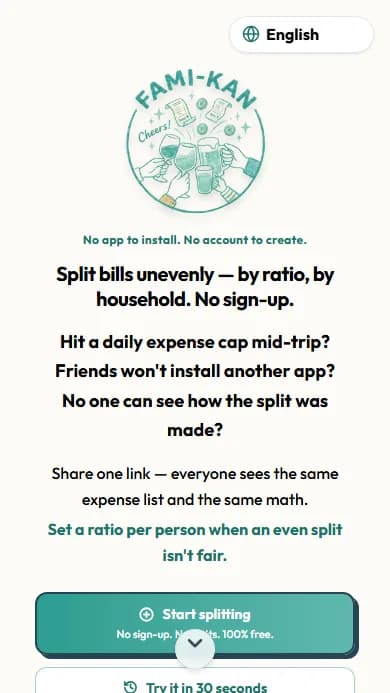
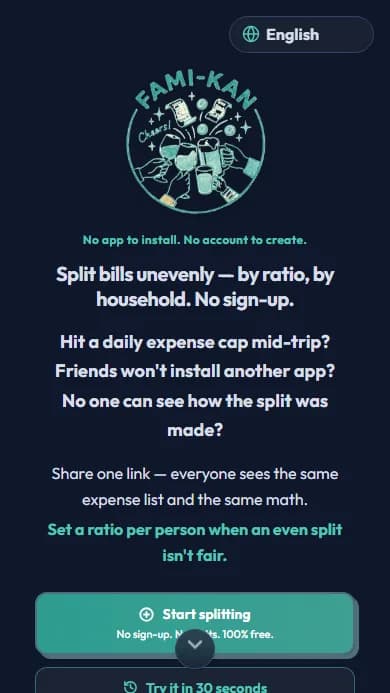
Tap "Start splitting" on the top page and enter an event name — that's all it takes.
No sign-up needed. Your event lives at a single URL.
Choose How to Split (Categories)
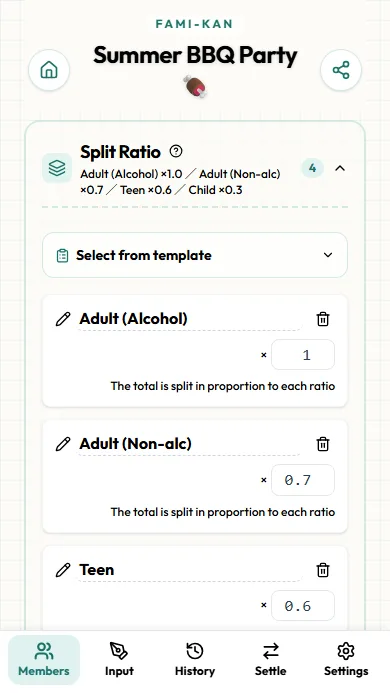
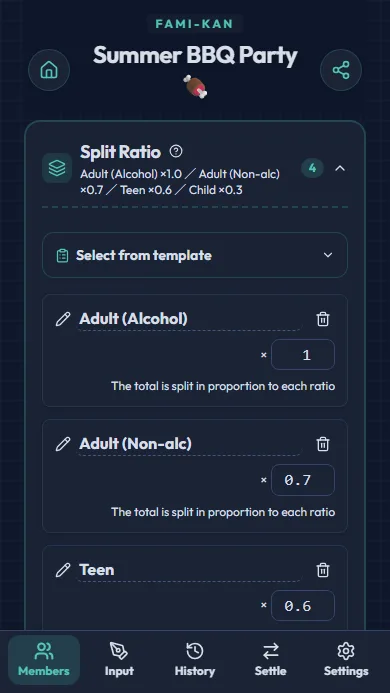
FAMI-KAN's specialty: weight shares by group, such as adults and children. Pick the closest pattern and the ratios are set automatically.
Fine with an equal split? Choose "Just start" — you can change it anytime.
Add Members
Register by household (like "The Smiths") or as individuals. Just type a name and add.
For family trips, registering by household works best.
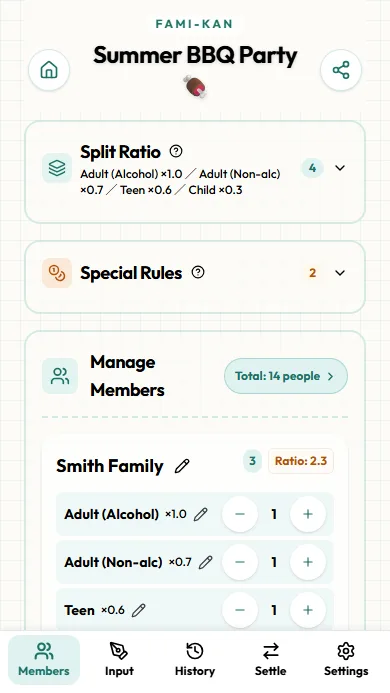
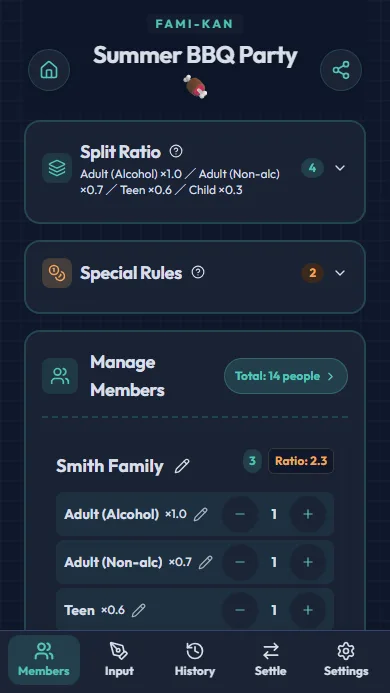
Set Headcounts per Category
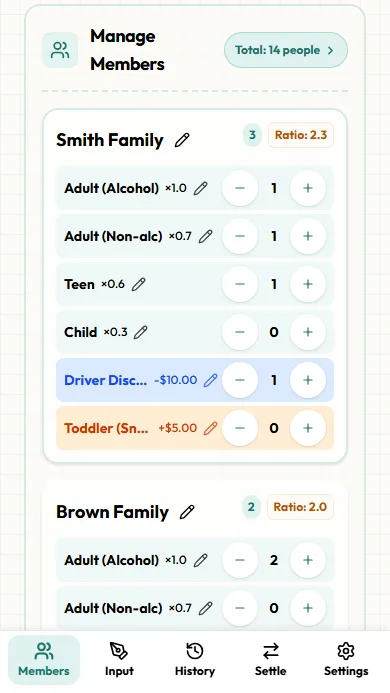
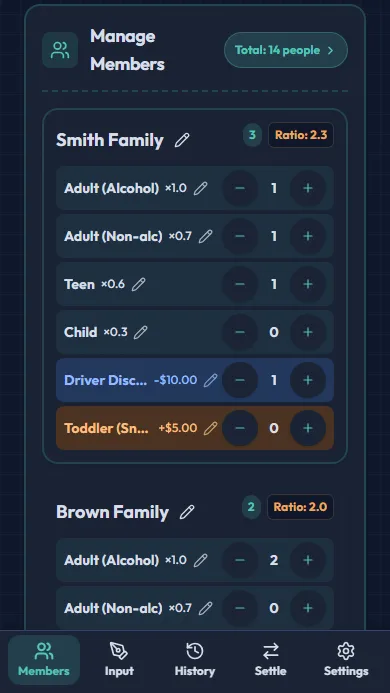
On each member card, set how many adults, juniors, and children with the +/− buttons. The group's total ratio is calculated automatically.
Special rules like "All-you-can-drink +$10" are assigned here too.
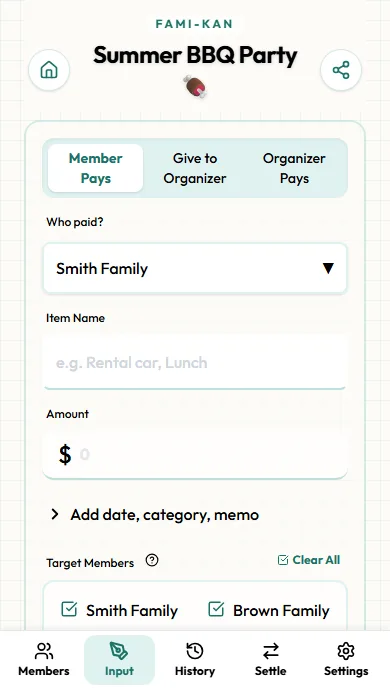
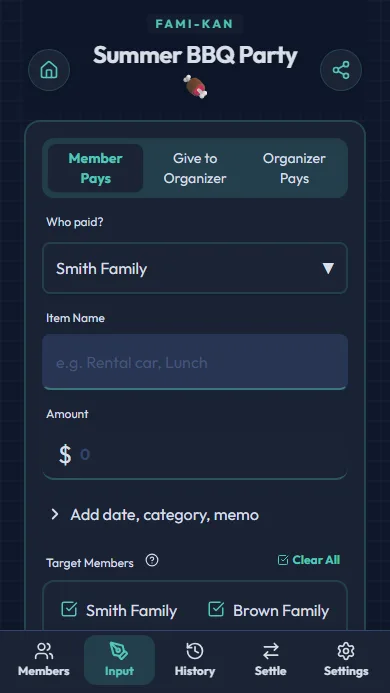
Enter Expenses
Record who paid, how much, and what for. You can also limit which members share each expense.
Best practice: enter each expense on the spot as receipts come in.
Review & Edit History
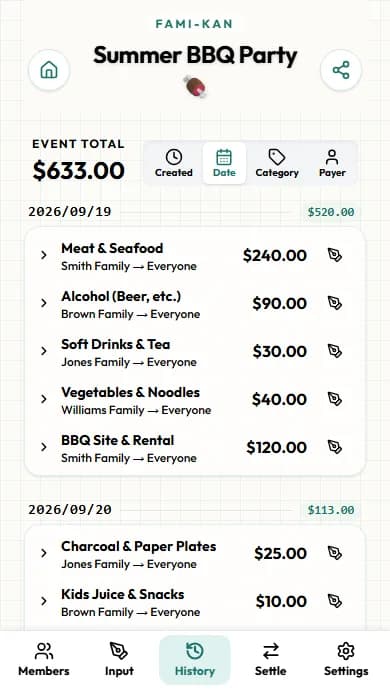
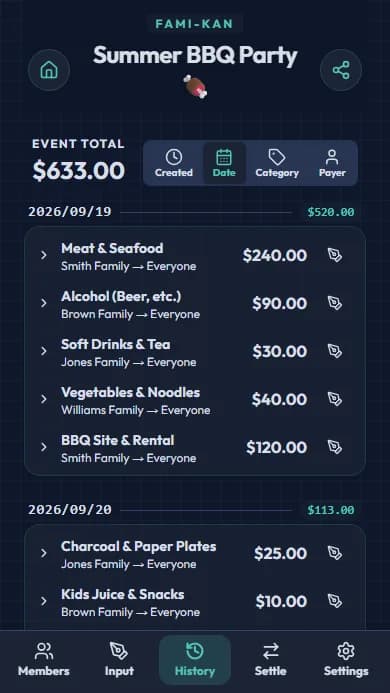
All expenses appear in the History tab, sortable by date, category, and more.
Tap any row to edit or delete a recorded expense.
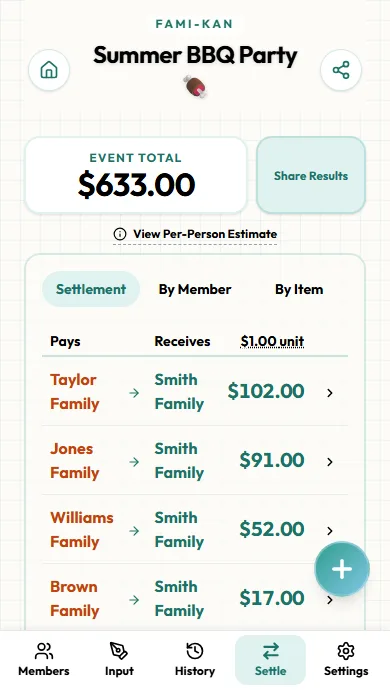
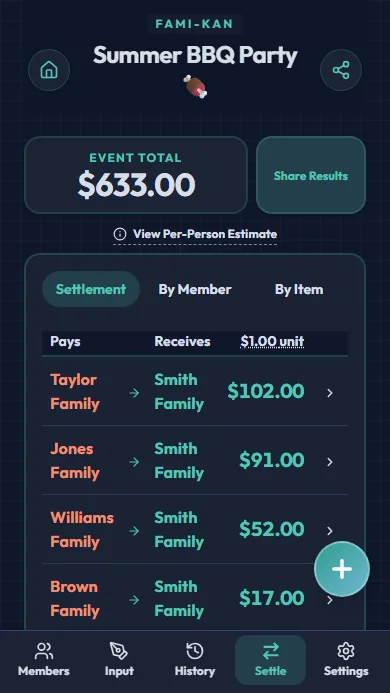
Check the Settlement
"Who pays whom, and how much" is calculated automatically with the fewest transfers. Rounding units are adjustable too.
Money already handed over? Register it via "+" and it's reflected in the results.
Share with Members
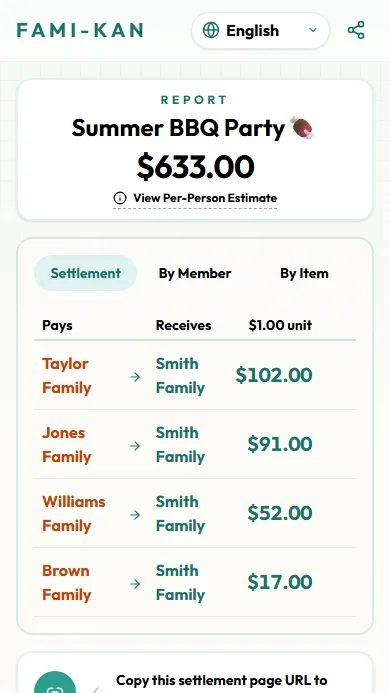
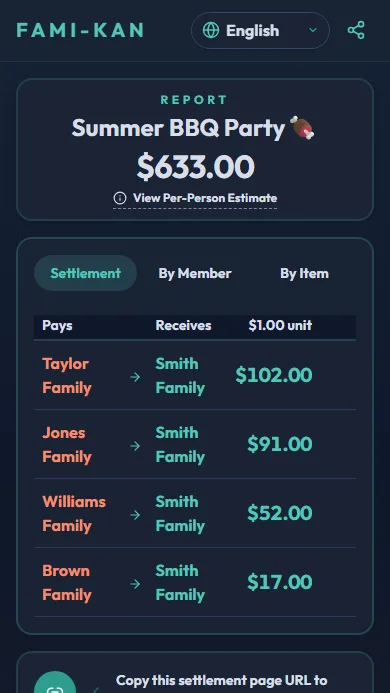
Send the URL from the share button in the top-right. Recipients can view the results instantly — no app install needed.
They see the full breakdown, so everyone can trust the numbers.
Ready to try? Create your first event!